Download PDF After Submit Form PRO
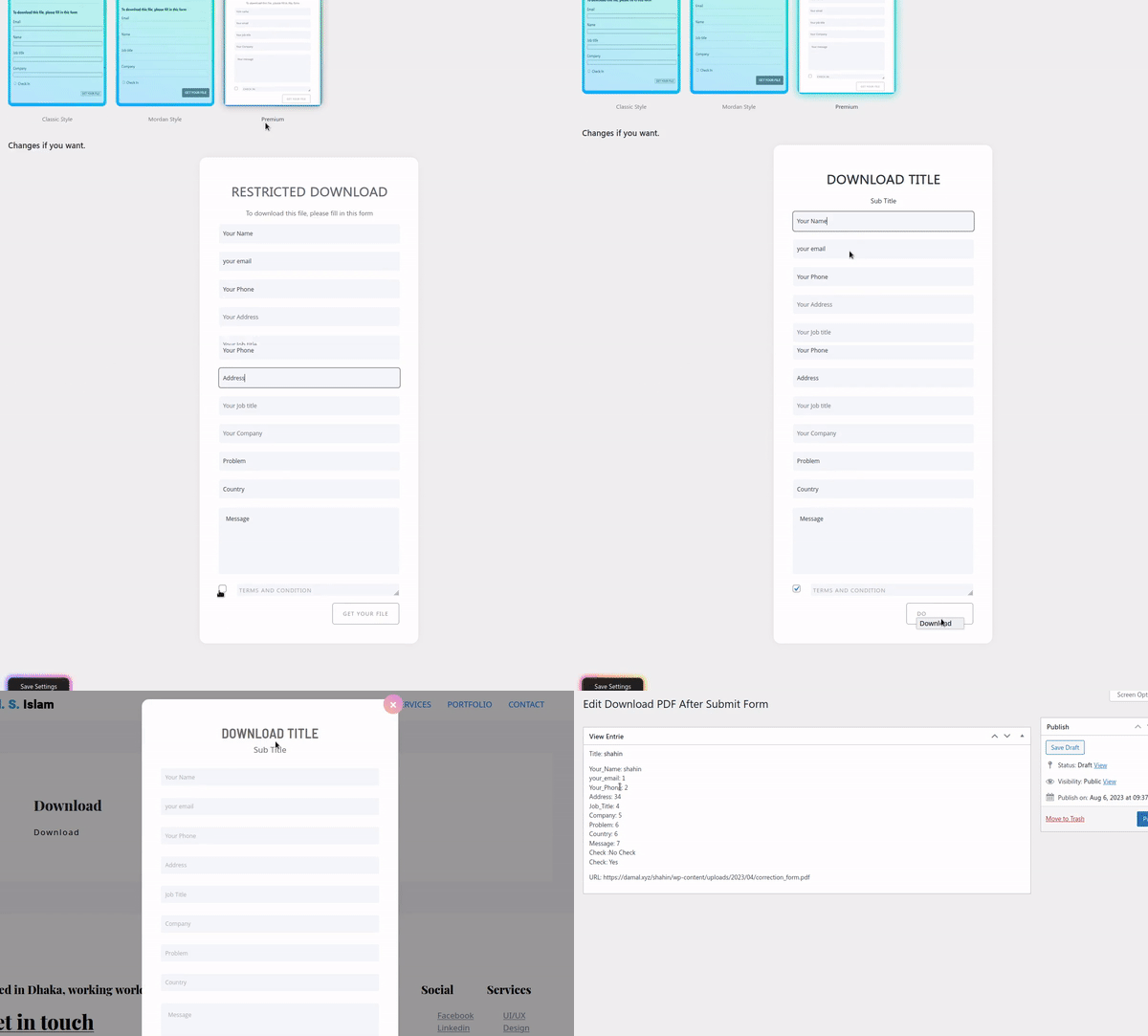
Download PDFs instantly after form submission using a simple WordPress shortcode. Easily create and customize popup forms with editable fields—no programming knowledge required. DPASF PRO WordPress plugin.
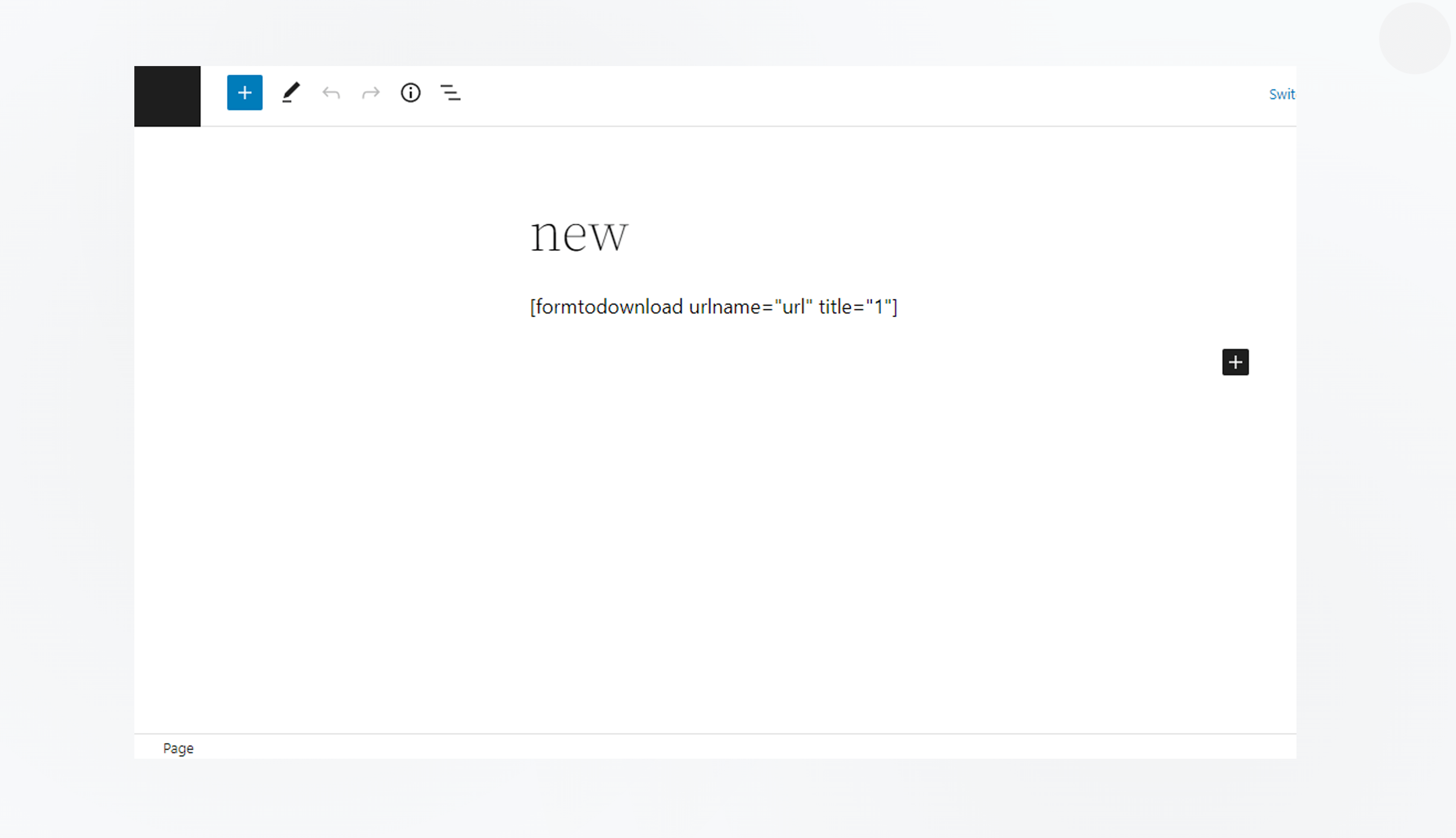
[formtodownload urlname="url" title="pdfname"]
This plugin offers the premium feature of ready popup design & provides quick access to beautiful all fields that can be edit in your popup easily.
Choose from 4 beautiful layouts: centered, split-left, split-right, fullscreen, and card. Each layout is fully responsive and professionally designed.
Automatic theme detection with manual toggle. Respects user preferences and system settings out of the box.
Active the plugin from the WordPress ‘Plugins’ menu administration page. OR, click ‘Plugins’ -> ‘Add new’. In the search input box, type Download PDF after Submit Form.
Beautiful, professional screens for every scenario
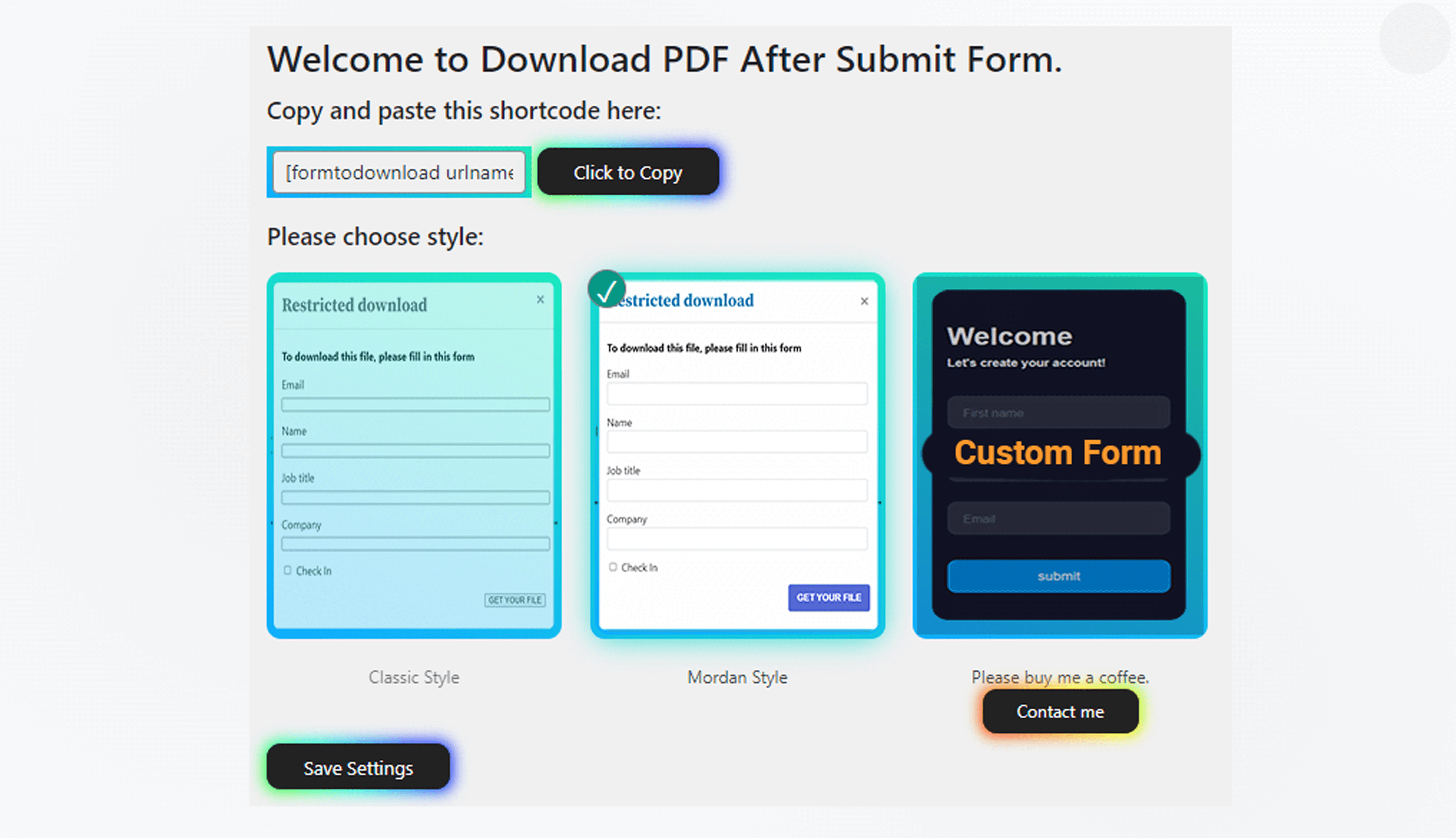
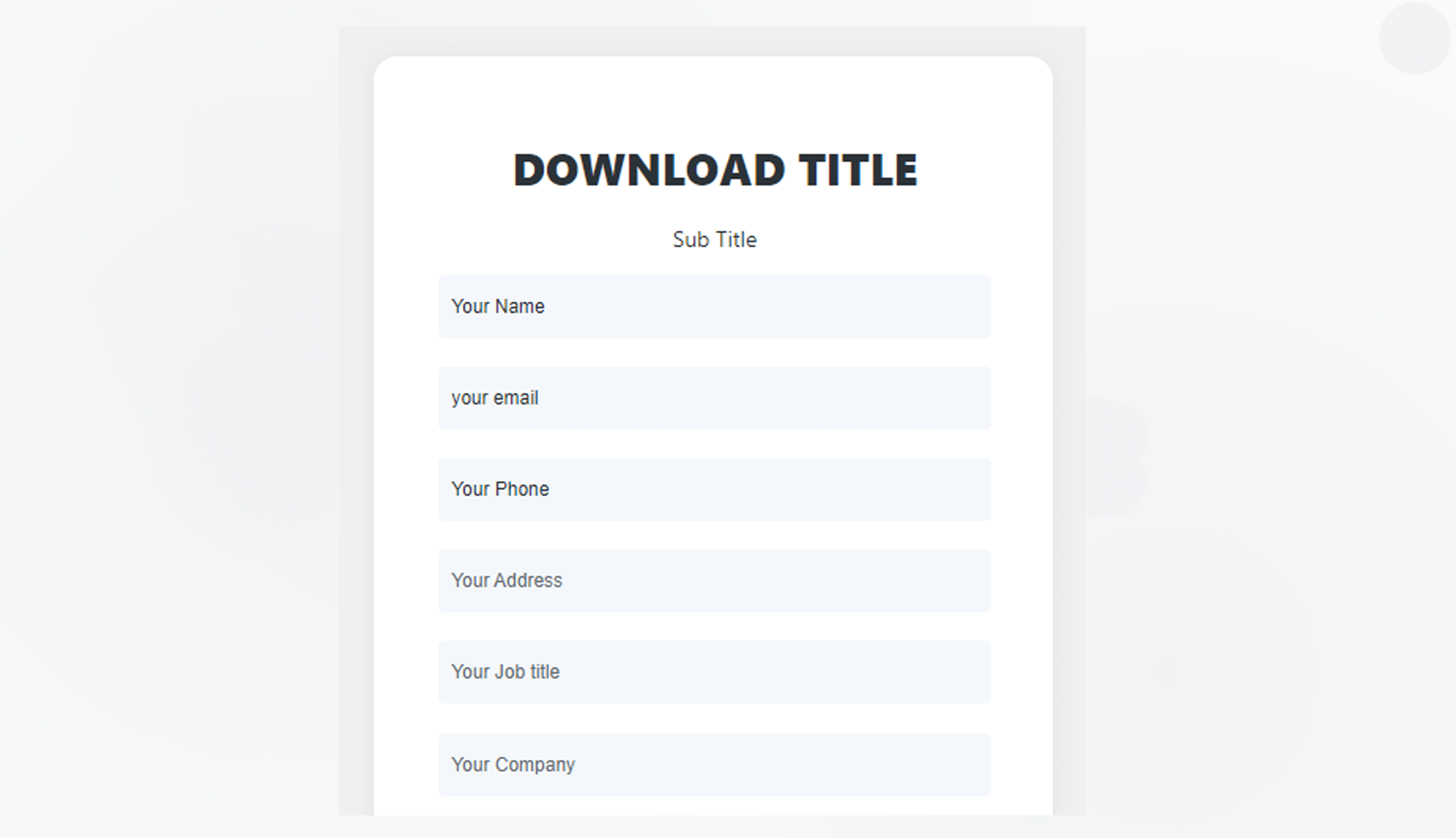
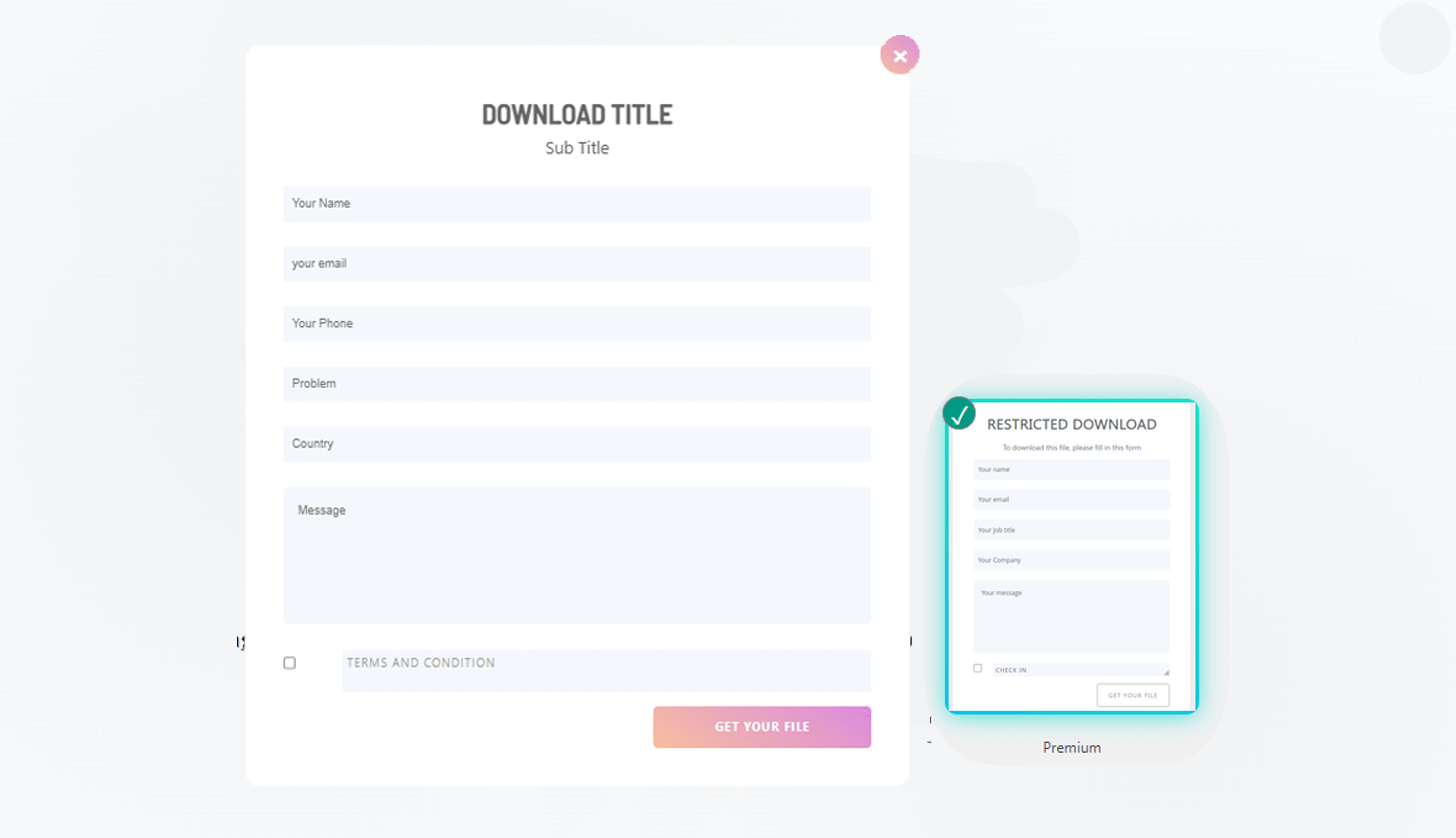
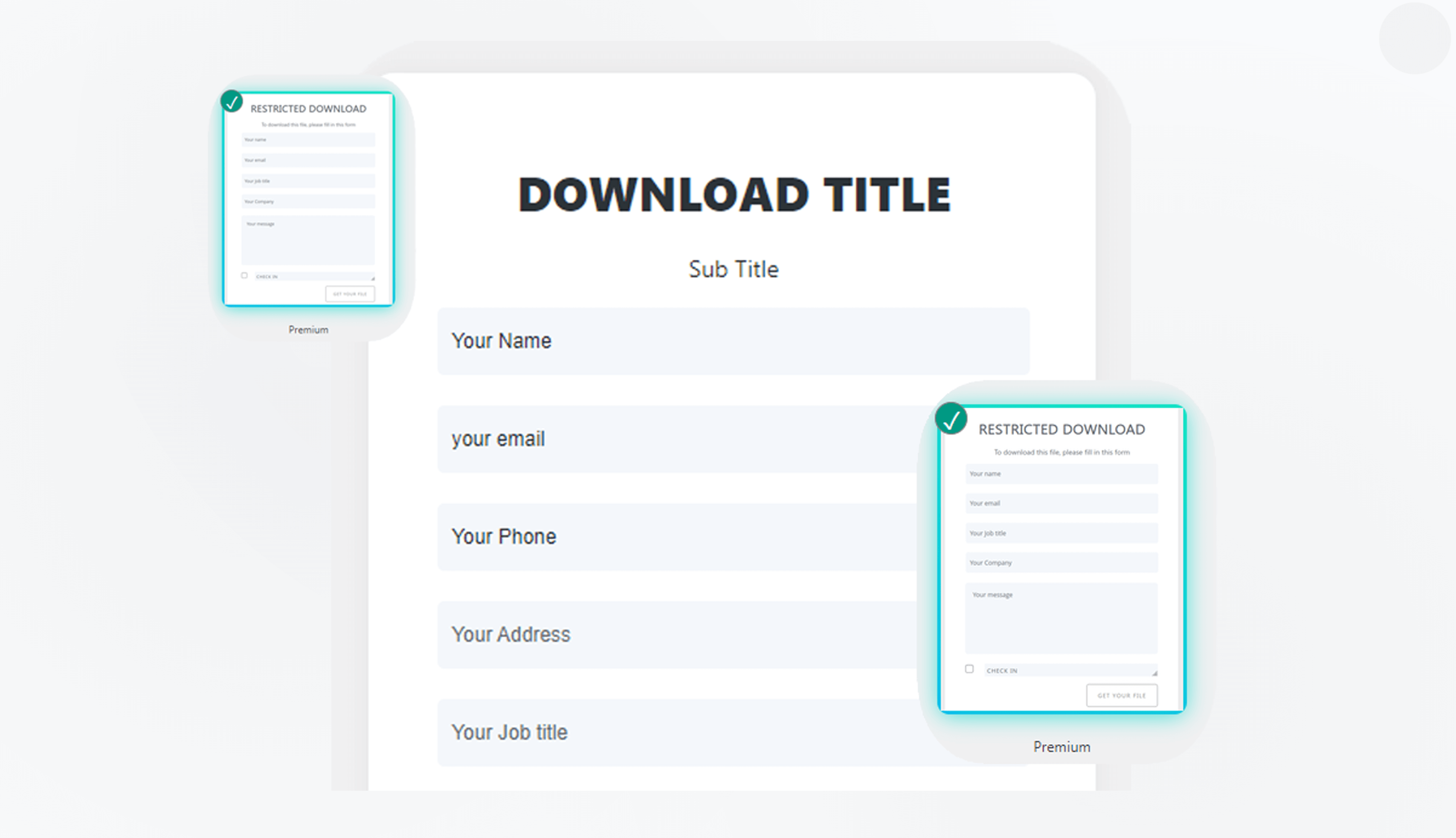
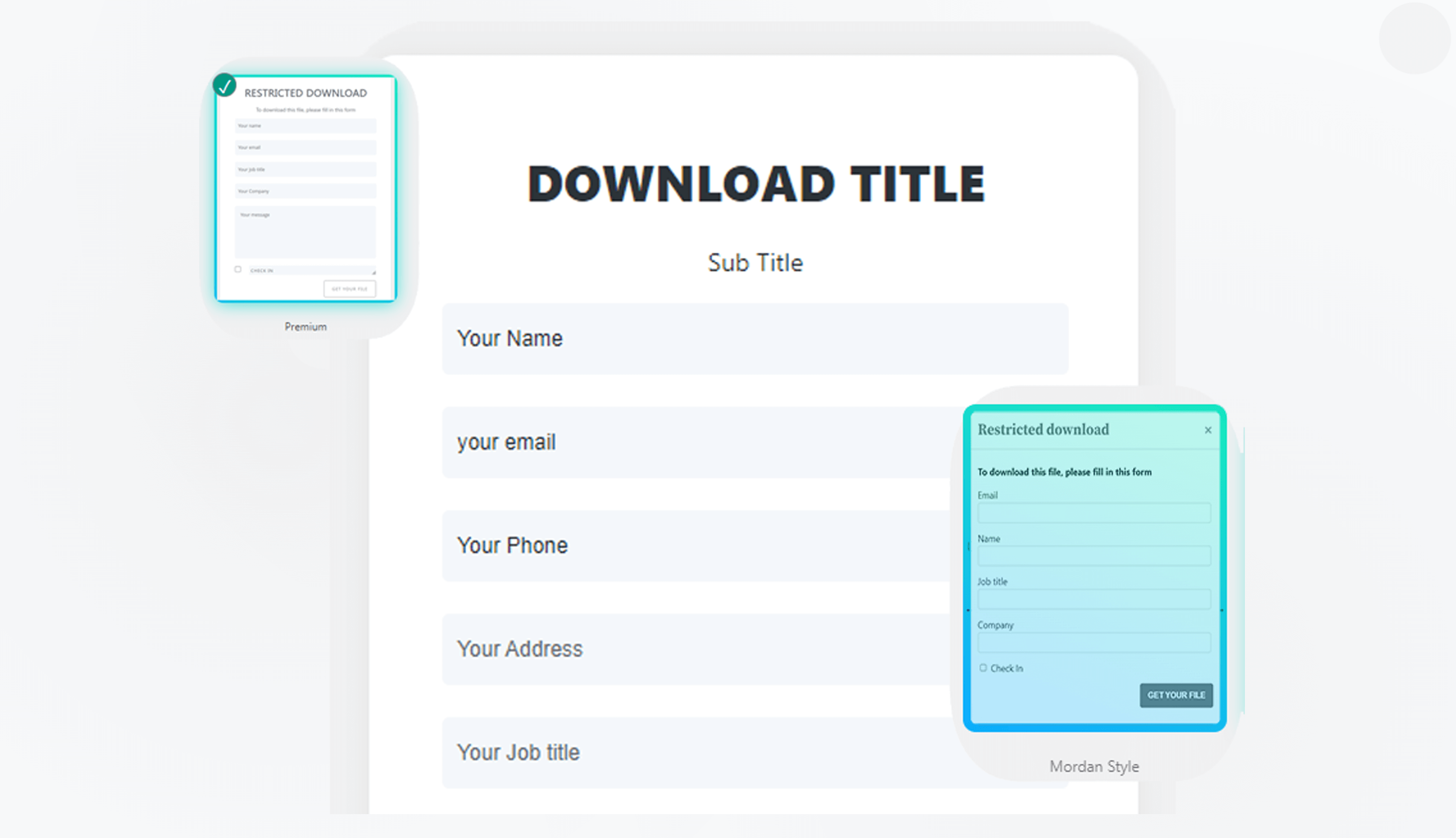
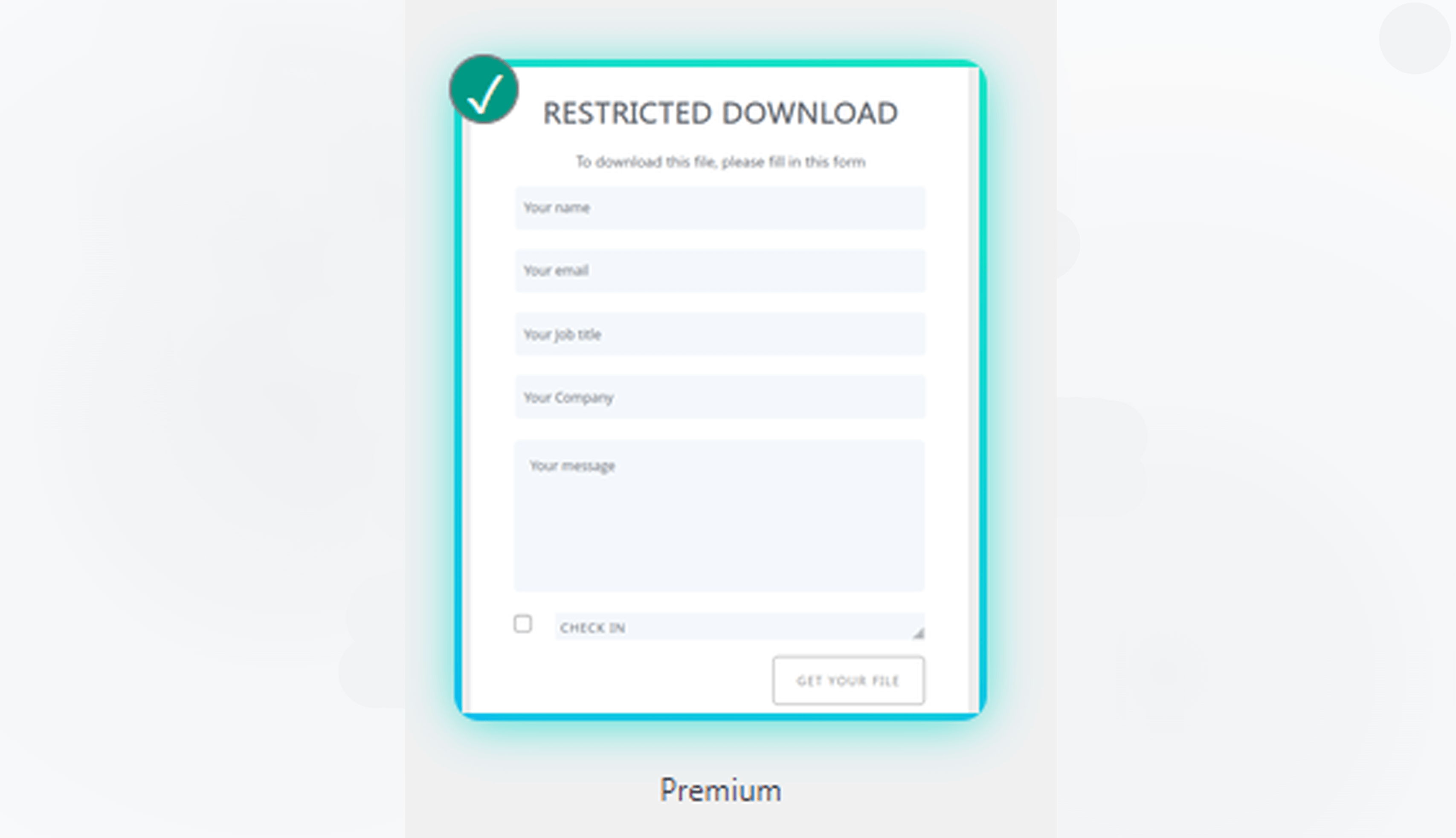
Choose the perfect layout for your application's branding
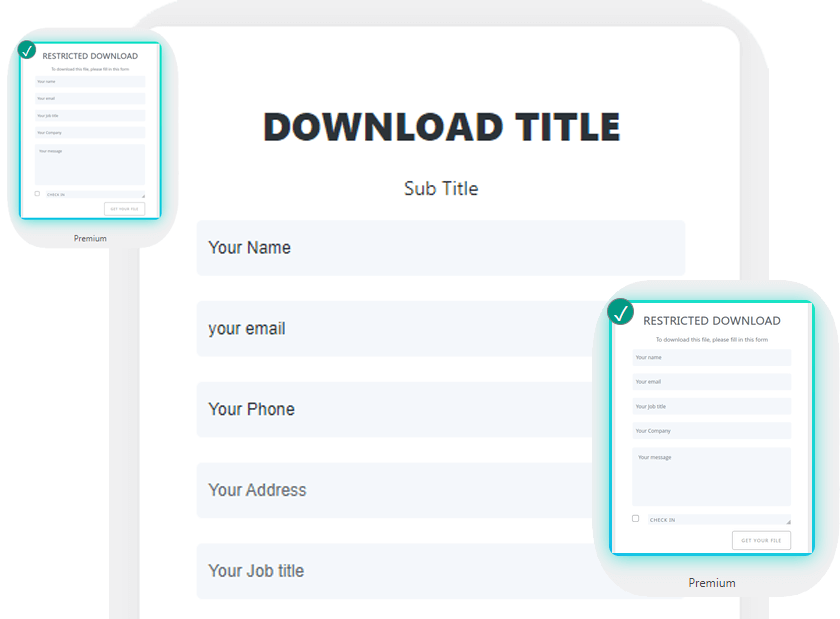
Customize every input fields as your or client requirement if you need. Heading title sub title and download button title text modify and more
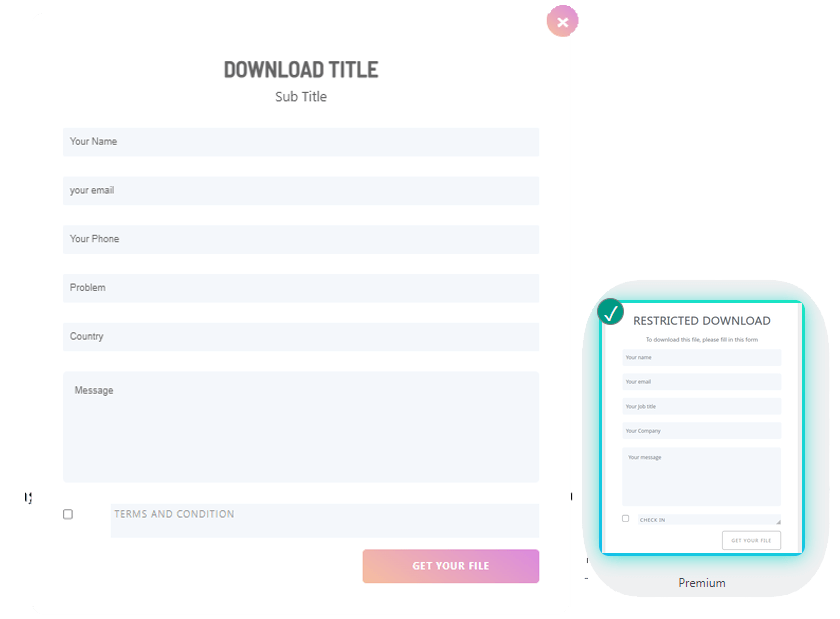
No need programming knowledge for editing input fields and just no need for extra security add for this fields. It has own security multiple protection.
It has beautiful design so it’s comfortable any theme. So don’t hesitate with this plugins. If you need additional design we give life time support, so no tension.
Take full control over your WordPress site, build any shortcode paste you can imagine – no programming knowledge required.
# Upload to the wp-contents/plugins folder
/wp-content/plugins/

# Plugins -> Add new. In the search, type
Download PDF after Submit FormShortcodes included Download PDF After Submit Form
# Plugins -> Add new. In the search, type
Download PDF after Submit Form
[formtodownload urlname="url" title="pdfname"]
urlname=”url” – urlname=”https://yoursite.com/name.pdf” title=”pdfname” – title=”your_pdf_name” Don’t use any space in this title name.
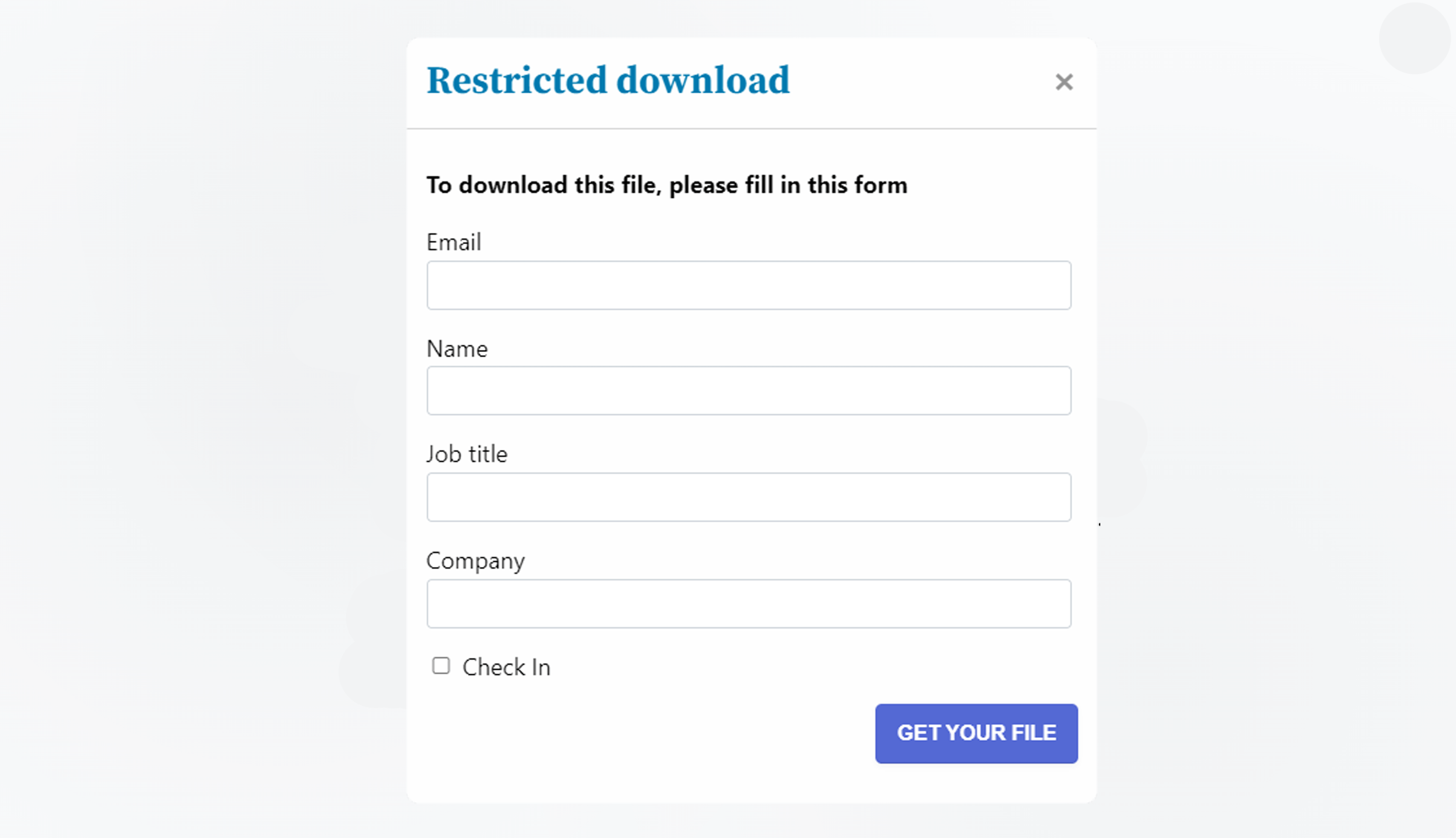
That's it! Visit /your page to see your beautiful form.
Everything you need to know about DPASF Plugin
DPASF Pro allows users to automatically download a PDF file after submitting a form using a shortcode on your WordPress site.
No. DPASF Pro is beginner-friendly and requires no programming or technical skills.
Yes. The PRO version includes ready-made popup designs with fully editable fields.
Yes. DPASF Pro is designed to work smoothly with all modern WordPress themes.
Yes. You can create multiple shortcodes and assign different PDF files to different forms.
Absolutely. It’s perfect for gated content like ebooks, brochures, reports, and whitepapers.
Yes. Once the form is submitted successfully, the PDF download starts instantly.
Get started with Download PDF After Submit Form
[formtodownload urlname="url" title="pdfname"]